- Home
- Questions
- GamBlock® Mobile for Android Devices (Phones and Tablets)
- How do I unhide the GamBlock® Invisible menu?
How do I unhide the GamBlock® Invisible menu?
Download SurveyQuestions
Question
How do I unhide the GamBlock® Invisible menu?
Answer
Un-hiding the GamBlock® Menu
Open the GamBlock® Browser.

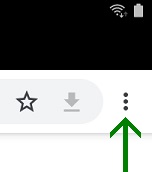
Touch the three vertical dots / hamburger menu icon to access the menu.
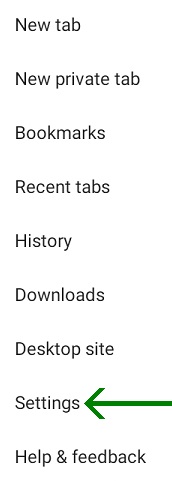
Touch "Settings".
Touch "Extras".

Touch "Share information".
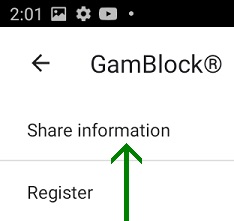
Type "gamblock" and touch "YES".
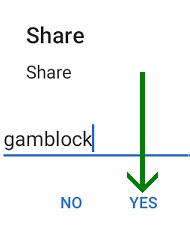
The GamBlock® menu is now visible.
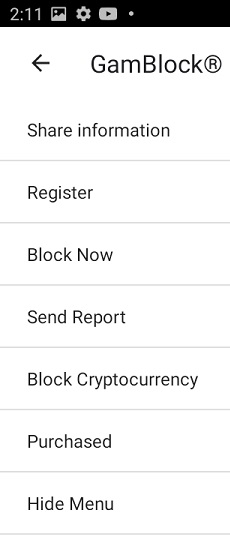
Hiding the GamBlock® Menu
Touch Touch "Hide Menu".
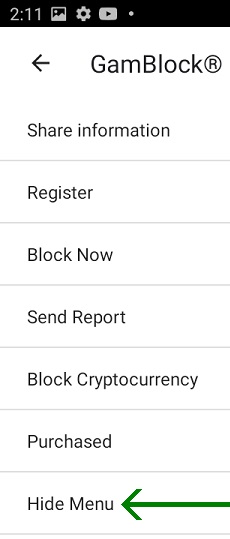
The GamBlock® menu is now hidden from other people again.